




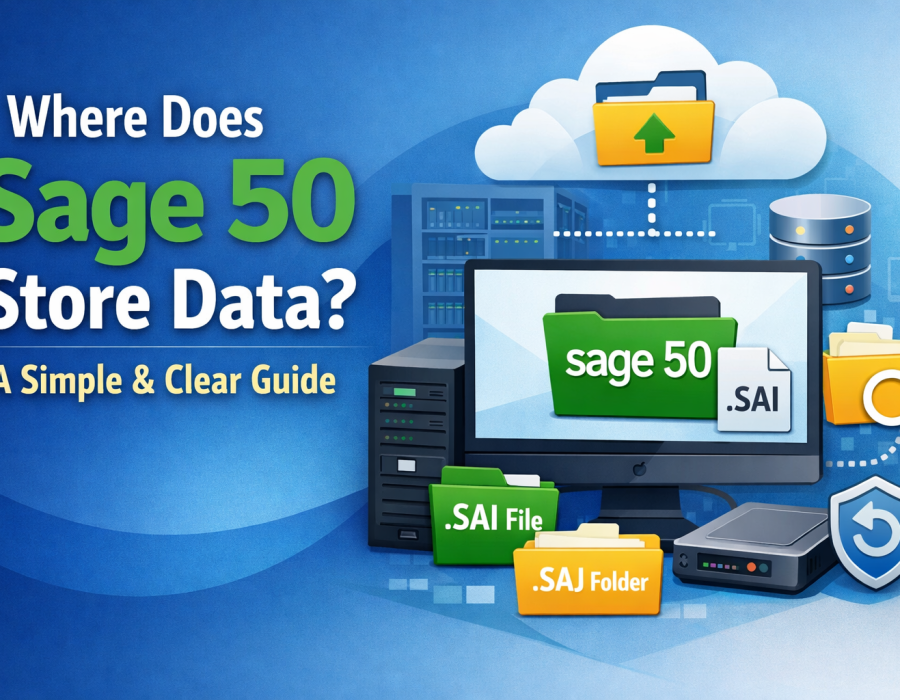
If you're using Sage 50 for your accounting needs, one of the most important things to understand is Sage 50 data storage. Knowing exactly where your data is stored helps you manage backups, troubleshoot errors, and ensure the security of your financial information.
In this guide, we’ll clearly explain where Sage 50 stores data, how it is structured, and how you can manage it effectively.
What is Sage 50 Data Storage?
Sage 50 data storage refers to the way Sage 50 saves and organizes your company’s financial data. This includes everything from transactions and invoices to customer records and financial reports.
Unlike fully cloud-based software, Sage 50 primarily uses local or network-based storage, giving businesses more control over their data.
Default Location of Sage 50 Data
By default, Sage 50 stores company files in a predefined folder on your system:
C:\Users\Public\Public Documents\Sage Software\Peachtree\Company
This is the standard location where all your company data is saved unless you choose a custom directory during setup.
Inside this folder, you will typically find:
- .SAI file – The main company file used to open your data
- .SAJ folder – Contains detailed financial and transactional data
Understanding this structure is key to managing Sage 50 data storage properly.
Can You Change the Data Storage Location?
Yes, Sage 50 allows users to change the default data storage location. Many businesses prefer to store their data:
- On a dedicated server
- On a network drive for multi-user access
- On a secure external storage device
Changing the storage location can improve accessibility and performance, especially for teams working in shared environments.
Sage 50 Data Storage in Multi-User Setup
In multi-user mode, Sage 50 data storage is usually hosted on a central server. This allows multiple users to access the same company file at the same time.
Key points for multi-user storage:
- The server acts as the main data host
- Workstations connect to the server via a network
- Proper permissions must be configured to avoid conflicts
This setup is ideal for growing businesses with multiple accounting users.
Why Knowing Your Data Location Matters
Understanding where your data is stored is crucial for several reasons:
- Backup Management: You need the exact file location to create reliable backups
- Troubleshooting: Errors like missing files or corruption often require accessing the data folder
- Security: Knowing the location helps you protect sensitive financial data
Effective Sage 50 data storage management starts with knowing your file paths.
Tips to Manage Sage 50 Data Storage
Here are some practical tips to manage your data efficiently:
- Always back up your data before making major changes
- Avoid storing data on unstable or temporary drives
- Use antivirus protection to secure your data folder
- Restrict access to authorized users only
- Periodically check file integrity within Sage 50
Common Issues Related to Data Storage
Some common problems users face with Sage 50 data storage include:
- Data file not found errors
- Corrupted company files
- Network connection issues in multi-user mode
- Accidental deletion of important files
Most of these issues can be avoided with proper storage practices and regular backups.
Conclusion
So, where does Sage 50 store data? Primarily on your local system or a network server, depending on your setup. Understanding Sage 50 data storage helps you take control of your accounting data, improve security, and prevent potential issues.
By following best practices and knowing your data location, you can ensure smooth and uninterrupted business operations.
Comments